How to Block Text Messages
By Ultra Team
Published July 23, 2025
We all get unwanted text messages from time to time, whether it’s spam, scammers or people we just don’t want to hear from. Knowing how to block these text messages is great not only to protect your time and privacy, but also for security reasons. Below, we’ll do a deep dive into how to block these unwanted text messages.
How to block text messages on iPhone
Keep receiving unwanted messages on your iPhone? Here’s how to block them:
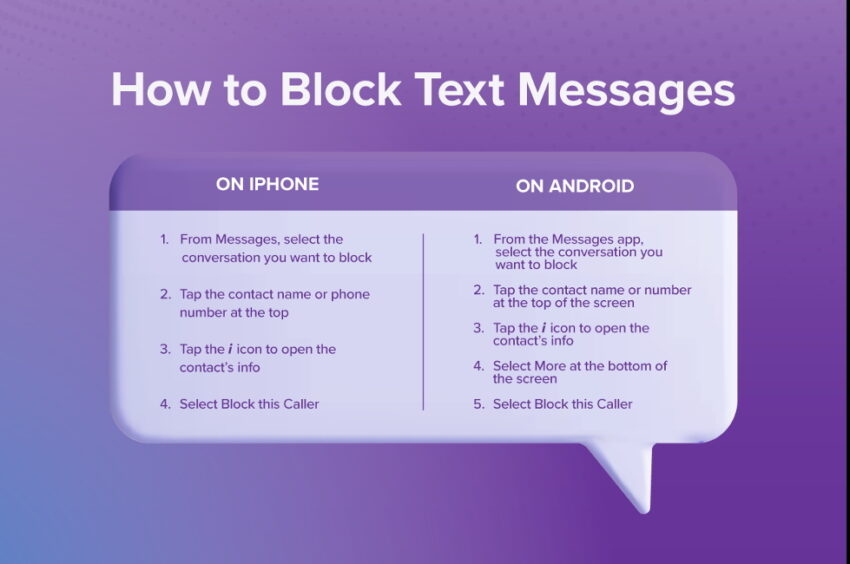
- From Messages, select the conversation you want to block
- Tap the contact name or phone number at the top
- Tap the i icon to open the contact’s info
- Select Block this Caller
How to block text messages on Android
Wondering how do I stop junk texts on my Android device? Here’s how to block them:
- From the Messages app, select the conversation you want to block
- Tap the contact name or number at the top of the screen
- Tap the i icon to open the contact’s info
- Select More at the bottom of the screen
- Select Block this Caller
You can also visit our full guide on How to Block a Number for more detailed instructions.
How to stop spam texts
Spam texts are probably the most common unwanted message you receive. Luckily, there are multiple ways to deal with them.
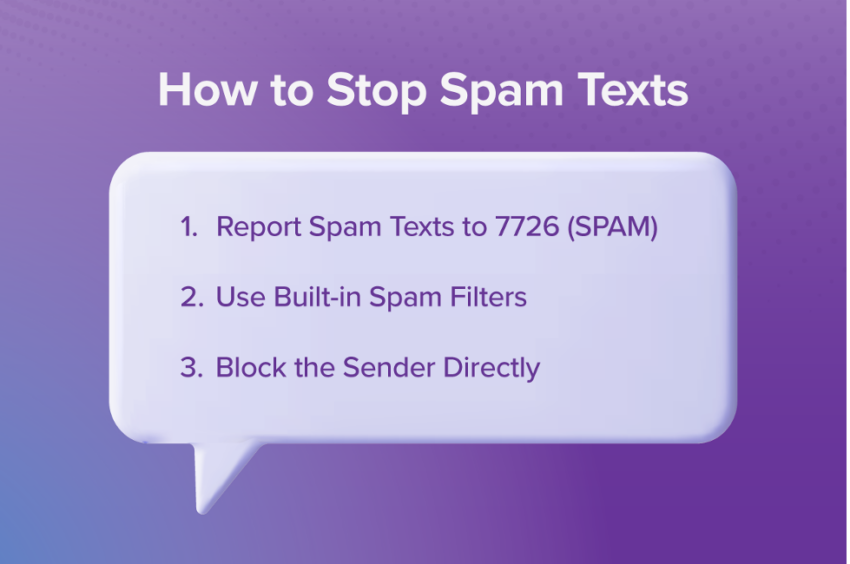
1. Report Spam Texts to 7726 (SPAM)
Forward any suspicious or spam text messages to 7726 (“SPAM” on your keypad). This free service helps Ultra Mobile identify and block spam numbers across our networks.
2. Use Built-in Spam Filters
Many phones have built-in spam filters. See how to enable them below.
- iPhone:
- Go to Settings > tap Messages > Filter Unknown Senders to automatically separate messages from unknown numbers.
- Go to Settings > tap Messages > Filter Unknown Senders to automatically separate messages from unknown numbers.
- Android:
- Open the Messages app, go to Settings > tap Spam Protection and turn on “Enable Spam Protection.”
3. Block the Sender Directly
As we covered in an earlier section, you can block the sender directly. Instructions vary based on your phone manufacturer.
Tips to Minimize Unwanted Texts
There are also ways you can help prevent unwanted messages from reaching you in the first place. Here are a few tips to minimize the amount of unwanted messages you get.
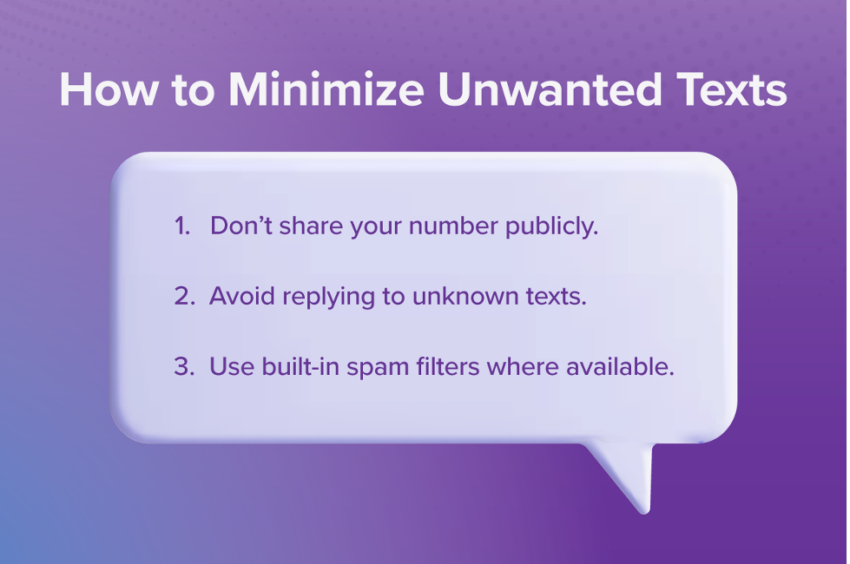
- Don’t share your number publicly. Be wary of posting your number online or sharing it with suspicious websites or companies.
- Avoid replying to unknown texts. If you don’t know the person texting you, it’s best not to respond.
- Use built-in spam filters where available. See instructions above for enabling built-in spam filters on your phone.
Now you know how to block spam texts
We’ve answered the question of how can I stop spam texts (and prevent other unwanted messages). You can use built-in spam filters, block the texter directly and stay proactive by reporting spam texts and not sharing your number on suspicious websites. And if you ever block someone by mistake, it’s easy to reverse, just follow our guide on how to unblock a number. Here’s to texting while still staying Ultra-secure!