How to set up voicemail on iPhone
By Ultra Team
Published September 24, 2025
Voicemails are an Ultra-important step in making sure your phone is set up and fully functional. Luckily, the process of setting up your iPhone voicemail is simple. Once you’ve got it up and running, you’ll never miss an important call again—which is super important thanks to our busy lives! Read on to learn how to set up voicemail on iPhone.

How to set voicemail on iPhone
Here’s how to get your voicemail up and running:
- Open the Phone app
- Tap the Voicemail tab in the bottom-right corner
- Tap Set Up Now
- Create a password (usually 4-6 digits)
- Choose your greeting:
- Default: A pre-recorded system greeting
- Custom: Record your own message
- Tap Save, and your voicemail is ready

How to change your iPhone voicemail
Want to update your voicemail greeting? Here’s how:
- Open the Phone app
- Tap the Voicemail tab in the bottom-right corner
- Tap Greeting in the top left
- Tap Custom and record a new greeting
- Tap Play to preview, then Save
How to change voicemail password
Passwords keep our voicemails secure. Need to update yours? Here’s how:
- Tap the Phone icon
- Go to the Voicemail tab in the bottom-right corner
- Tap Change Voicemail Password
- It may also be under Settings > Phone > Change Voicemail Password
- Type in your existing voicemail password to verify your identity
- Choose a new 4–6 digit password
- Confirm the new password by entering it again
- Tap Done to save your new updated password
How to save voicemails on iPhone
Is there an important voicemail you want to keep? It’s Ultra-simple. Here’s how:
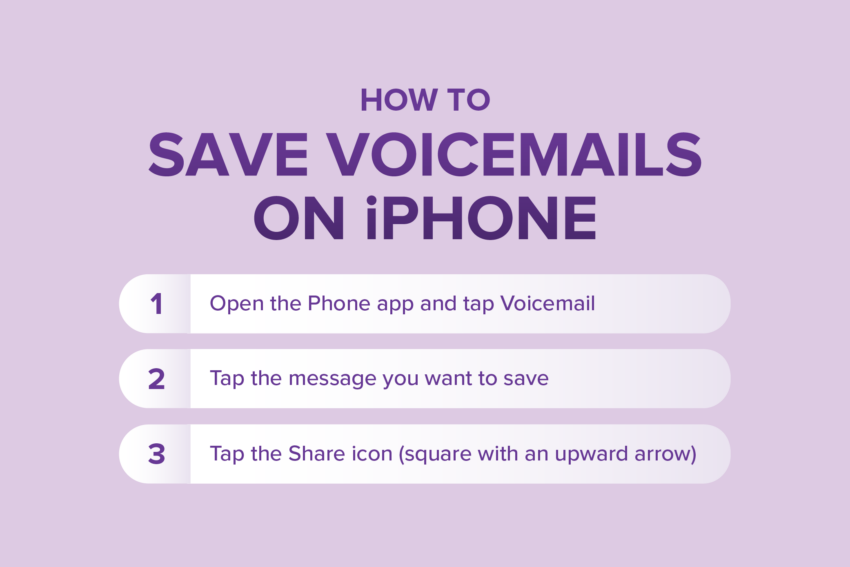
- Open the Phone app and tap Voicemail
- Tap the message you want to save
- Tap the Share icon (square with an upward arrow)
Next, choose where to save it. You can:
- Save it to your Files app (iCloud Drive or local storage)
- Save it to Voice Memos
- AirDrop it to another Apple device
- Use email or Messages to send it to yourself or someone else
Tips for managing voicemail on iPhone
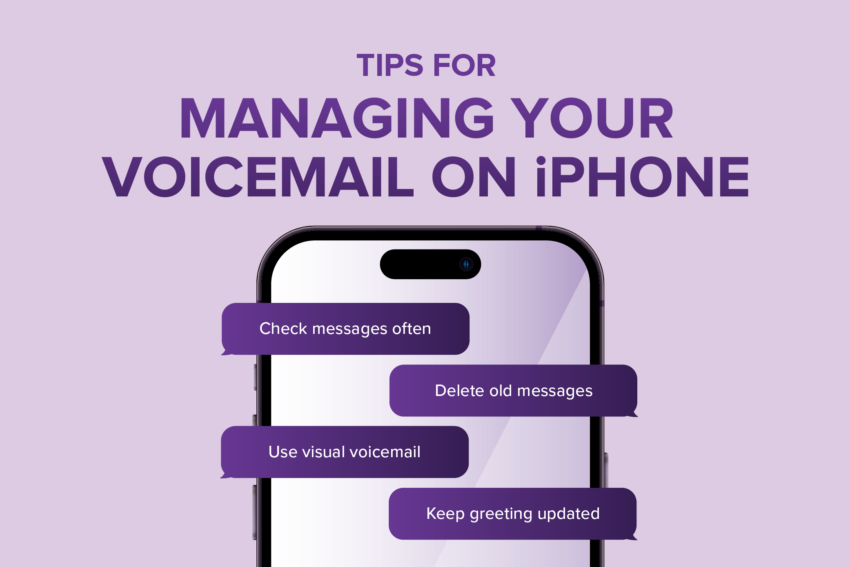
Here’s how to manage your voicemail to keep it sounding professional—and keep your voicemail tab from becoming too cluttered.
- Check messages often: Open the Voicemail tab to read Visual Voicemail messages or listen to voicemails.
- Delete old messages: You can free up space by swiping left on old voicemails.
- Use Visual Voicemail (if supported): Some Ultra Mobile plans and devices allow you to read a transcription of messages, making it faster to scan them to see if you want to keep them or not.
- Keep your greeting updated: Especially if you want to sound professional or let callers know when you’ll get back to them.
You’re ready to stay Ultra-connected with voicemails
As we’ve shown throughout this guide, setting up and managing voicemails is easy and essential for reliable communication. These small steps can ensure you never miss a call from family, friends or work. And now that your voicemail is all set up, you’re ready to stay connected to what matters most. Ultra Mobile can help you do that. Just tap the button below to check your phone’s compatibility with our service.