What happens when you switch SIM cards?
By Ultra Team
Published April 29, 2026
Getting a new phone or switching carriers often means you’ll need to change your SIM card. For many people, this little piece of plastic can feel confusing if they’ve never swapped one before. It’s common to worry that you might lose your contacts, photos or your phone number during the process.
The good news is that switching a SIM card is a quick and easy process. Most of your important info stays on your phone’s storage or in the cloud, so the swap itself is just about network connection. Understanding what really changes and what stays the same can make the entire process stress-free.
What is a SIM card and what does it do?
A SIM card is what connects your phone to your wireless carrier’s network. It acts as the bridge between your device and the towers that provide you with service. Without it, your phone won’t have a cellular connection for the things you do every day.
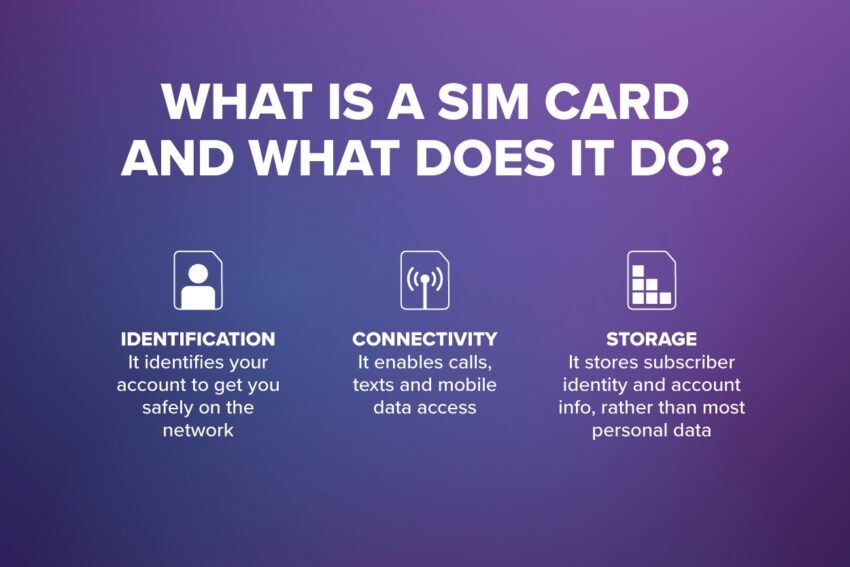
The SIM card has a few specific jobs:
- Identification: It identifies your account to get you safely on the network.
- Connectivity: It enables calls, texts and mobile data access.
- Storage: It stores subscriber identity and account info, rather than most personal data.
You’ll usually see two types of SIMs today. There’s the physical SIM card, which is the small chip you slide into a tray. Then there’s the eSIM, which is a digital version built right into your device. Both do the same job, but the eSIM doesn’t require any physical handling.
What happens immediately when you switch SIM cards?
The moment you pull out your old SIM card, your phone will disconnect from the previous carrier’s network. You’ll likely see your signal bars disappear or an icon that says “No SIM” at the top of your screen. This is a normal part of the transition.
When you put the new SIM card in, the device will begin connecting to the new carrier right away. You might see your signal bars flicker or stay at “Searching” for a few seconds while the phone finds the right towers. In some cases, your phone will ask you to perform a quick activation or a restart to finalize the new settings. Once that’s done, you’re back to being connected and ready to go.
Will you lose your phone number?
Don’t worry, your phone number is tied to your carrier account, not the device itself, which gives you plenty of flexibility when you’re making a switch.
If you’re moving to a new carrier and want to keep your current number, you’ll use a process called porting. Porting allows a number transfer between carriers so you don’t have to tell everyone you have a new number. If you decide to use a new SIM without porting, you’ll simply get a brand new number assigned to that card. Most number transfers happen pretty quickly, but it’s a good idea to expect a short window for the switch to become official.
What happens to contacts, photos and apps?
You don’t have to worry about your digital life disappearing during a SIM swap. Most of your data is stored on your phone’s internal memory or in your cloud accounts.
Today, iCloud and Google account syncing protect your information automatically. Photos, videos and documents stay where they are because they aren’t kept on the SIM card. Most SIM cards store very limited contact data today, as most people prefer the unlimited storage of the cloud. Your apps and media remain unchanged as well. When you put in a new SIM, your apps will still be there exactly how you left them.
What happens to your data plan and service features?
While your apps stay the same, your service terms depend on the new carrier plan you’ve chosen. Your data plan is tied to the SIM, so you might notice some differences in how your phone performs.
Data speeds, coverage and specific features can change when you switch as well. For example, your new plan might have different rules for voicemail, Wi-Fi calling or international roaming options. It’s always a good idea to review your plan details before you switch so you know exactly what features are included in your service.
Common issues when switching SIM Cards
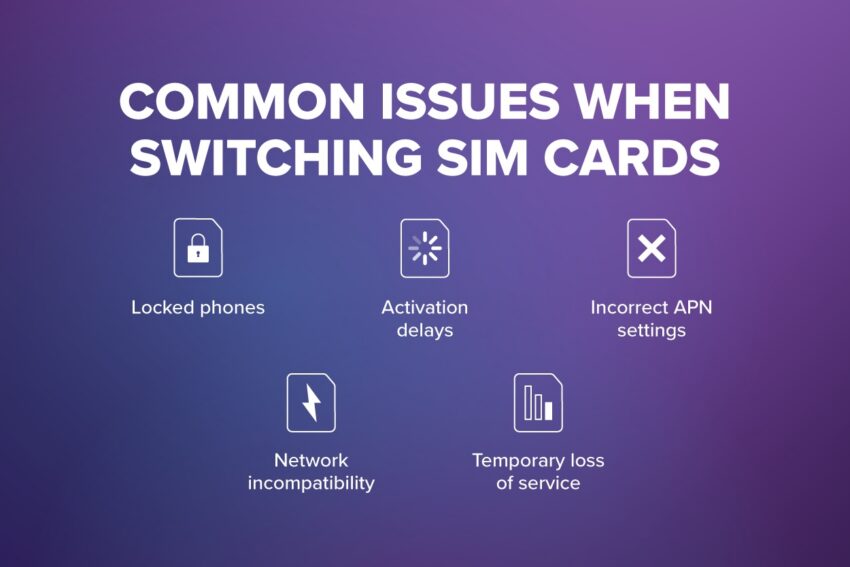
Most SIM swaps go smoothly, but there are a few common issues that can pop up. Locked phones, for example, are a frequent hurdle. If your phone’s locked to a specific carrier, it might reject a new SIM card until it’s unlocked.
You might also run into activation delays or incorrect APN settings, which can stop your data from working right away. Some older phones might have network compatibility limitations if they don’t support the specific bands used by a new carrier. You might also experience a temporary loss of service during the transition, but this usually clears up once the activation is complete.
Physical SIM vs eSIM: What’s different when switching?
The biggest difference between physical SIMs and eSIMs is the way you activate them. With an eSIM, the activation is entirely digital. There’s no physical swap required and you don’t have to wait for a piece of plastic to arrive in the mail.
Because it’s digital, you can often switch plans faster. Many newer phones even allow multiple plans to exist on one device at the same time, which is great for travel or keeping a work line separate. We’re seeing more and more phones adopt this technology because it makes the whole process much easier. If you want to dive deeper into the steps, you can read more about how to switch from a physical SIM to an eSIM.
You’re officially ready to make the switch
Switching SIM cards might feel technical at first, but it’s a simple process that gives you more control over your wireless experience. Since your personal data stays safely on your phone or in the cloud, you can switch without worrying about losing what matters most.
Understanding how number transfers and activations work helps you avoid surprises when it’s time for a change. This flexibility makes it easy to manage your wireless costs and ensures your service fits your lifestyle. With the right preparation, switching’ll be quick, easy and beneficial. If you’re ready for the most modern experience, switching’ll be even easier with eSIM.