How to boost cell signal
By Ultra Team
Published January 23, 2026
There are certain times when you may want to boost your cell signal due to your location or the type of device you’re using. If that’s the case, Ultra Mobile’s guide can help you optimize your cell signal so you never miss a moment of connection. Let’s dive in.

Why cell signal strength changes
Cell signals are not fixed, they’re dynamic. And many factors can affect cell signal strength, such as…
- Distance from the nearest cell tower: The further you are from a cell tower, the weaker your cell signal strength will be.
- Physical obstructions: Things such as walls, buildings and terrain can block or weaken cell signals.
- Network congestion during peak times: If a lot of people are using the same network and tower, your cell signal may be affected.
- Weather and environmental interference: Things such as storms or even heavy clouds can affect signal strength.
- Device antenna quality and age: The age of your antenna or even its shape can affect signal strength.
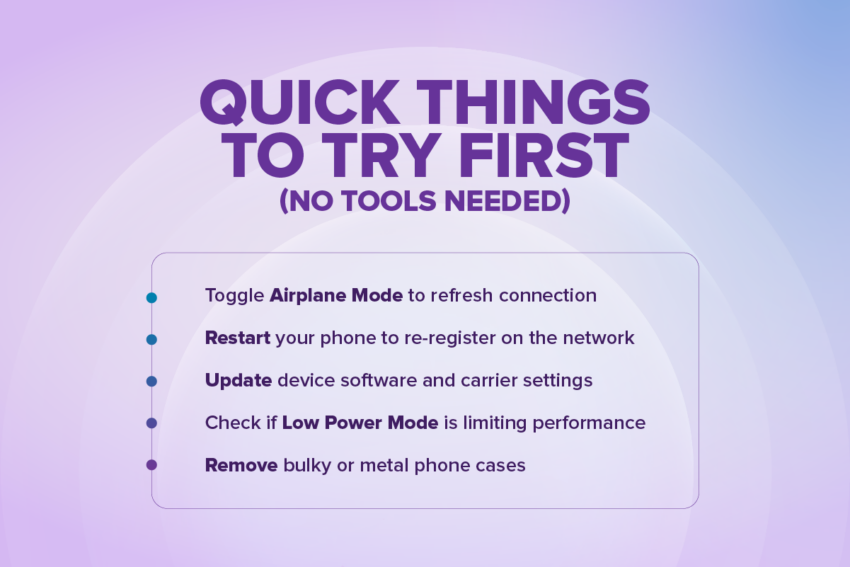
Quick Things to Try First (No Tools Needed)
Need to boost your signal strength in a hurry? Try out these quick fixes.
- Toggle Airplane Mode to refresh connection: This will force your phone to disconnect and then re-connect to the nearest tower.
- Restart your phone to re-register on the network: This can connect you to another tower or frequency band and may improve your cell signal.
- Update device software and carrier settings: Outdated software may lead to poorer reception, so keep your phone and software settings up-to-date.
- Check if Low Power Mode is limiting performance: If you have Low Power Mode on, it may limit antenna performance.
- Remove bulky or metal phone cases: A heavy phone case can impede your signal strength.
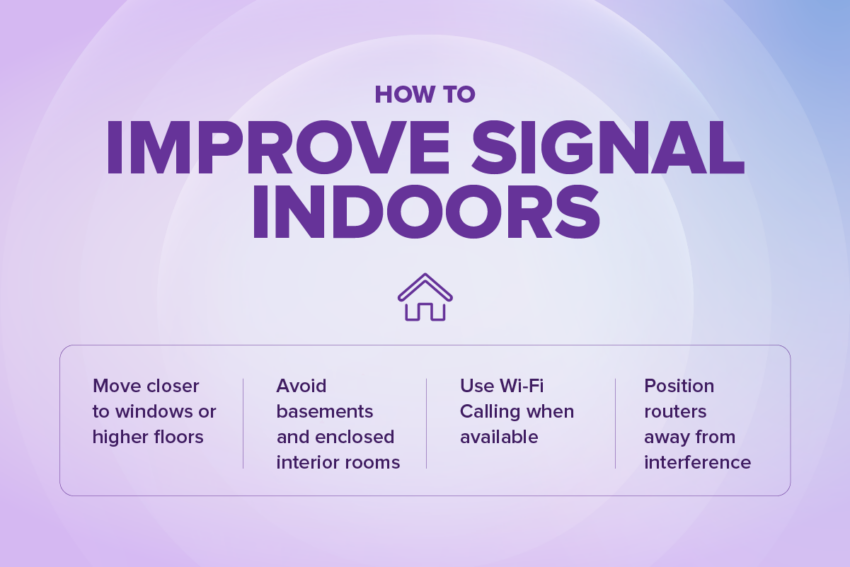
How to Improve Signal Indoors
Having trouble with your connection indoors? Oftentimes, that’s because cell signals are optimized for outdoor coverage and can be affected by building materials like brick or concrete, as well as the insulation in buildings. That doesn’t mean you can’t boost your signal indoors though! Here are a few tips:
- Move closer to windows or higher floors: Since cell signals enter your home from outside, standing near a window or open door can help you. Higher floors are also closer to the signal from cell towers, so moving up a floor may help.
- Avoid basements and enclosed interior rooms: These rooms are the most blocked off from cell signals, since there are no windows or doors leading to the outside. Basements are also typically made of cell signal blocking materials like concrete or brick.
- Use Wi-Fi Calling when available: Wi-Fi Calling makes signal strength irrelevant since you can just make calls via Wi-Fi.
- Position routers away from interference: Again, placing a router near a window or other open area is best, as is elevating your router.
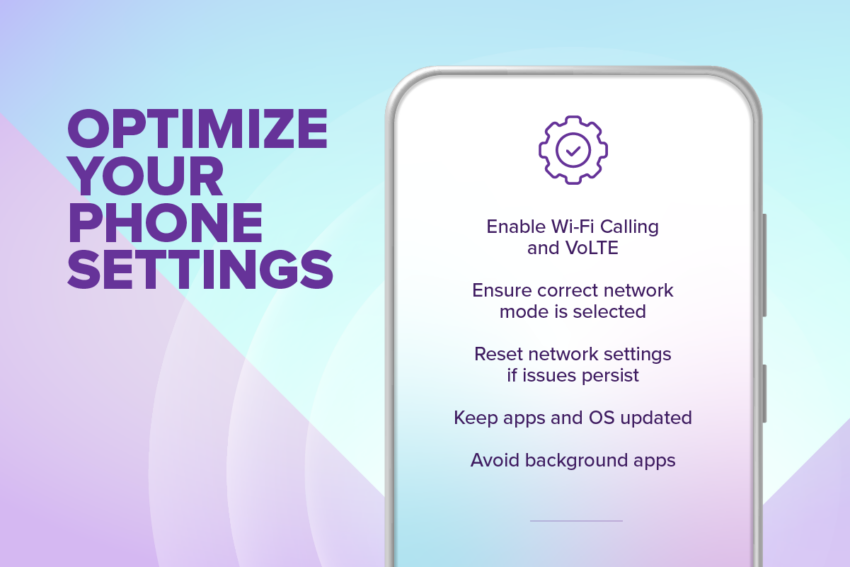
Optimize Your Phone Settings
There are a few things you can do to your phone to better optimize its cell signals.
- Enable Wi-Fi Calling and VoLTE: As mentioned above, Wi-Fi calling allows you to make calls even when your cell signal isn’t strong, while VoLTE improves overall call clarity.
- Ensure correct network mode is selected: Choosing 5G Auto lets your phone choose the strongest available network, instead of only getting locked in to searching for a 5G signal.
- Reset network settings if issues persist: Sometimes a reset can help by clearing out old networks, connections and more.
- Keep apps and OS updated: As mentioned earlier, outdated apps and operating systems can mean an unoptimized cell signal. Keep your apps and OS up-to-date at all times.
- Avoid background apps: Apps running in your background can compete for signal strength and reduce overall bandwidth on your phone.

How to Check Coverage the Right Way
Truly understanding coverage outside of counting bars on your phone or a quick glance at a map can really help you get the most out of your phone.
For example, when it comes to phones, nothing beats real-world experience versus just checking a coverage map. Coverage maps show service areas, but not the quality of your signal strength. It also doesn’t account for external factors like buildings or network congestion. In a similar vein, signal bars are just a rough estimate of your coverage, but not the full picture.
That’s why it’s important to be realistic about your network coverage and keep in mind…
- No network can guarantee identical signals everywhere. Even the best coverage areas could have weak spots.
- Indoor coverage is always more challenging than outdoor. As outlined above, this is due to cell signals coming in from the outside and building materials.
- Temporary drops don’t indicate a network issue. Brief drops and short interruptions can happen. But they’re just that: temporary.
- Signal performance naturally fluctuates as you move. Walking just a few steps can boost your cell signal.
- Optimization matters as much as coverage availability. Simple tweaks to your phone or surroundings can do wonders for your cell signal.
How to enable Wi-Fi Calling
We’ve discussed the benefits of Wi-Fi calling throughout this guide, so here’s how to enable Wi-Fi calling on iPhone or Android.
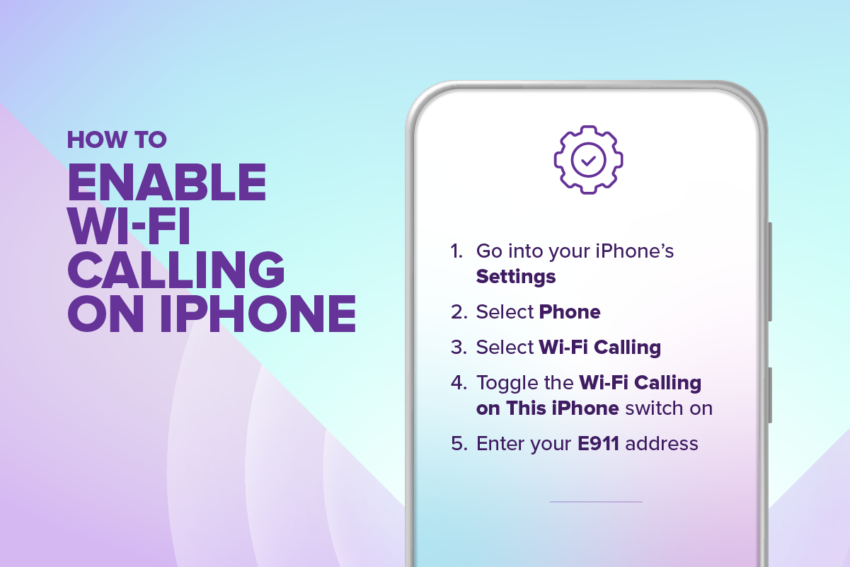
How to enable Wi-Fi Calling on iPhone
- Go into your iPhone’s Settings
- Select Phone
- Select Wi-Fi Calling
- Toggle the Wi-Fi Calling on This iPhone switch on
- Enter your E911 address
- This is required in case you ever have to call 911 while using Wi-Fi Calling
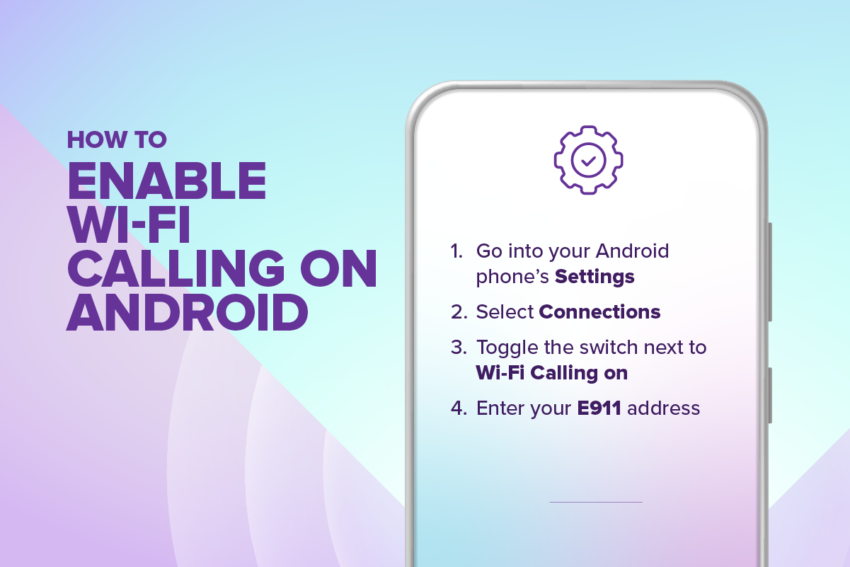
How to enable Wi-Fi Calling on Android
- Go into your Android phone’s Settings
- Select Connections
- Toggle the switch next to Wi-Fi Calling on
- These steps may vary depending on your Android make & model, so you may need to refer to your user manual for more information
- Enter your E911 address
- This is required in case you ever have to call 911 while using Wi-Fi Calling
Or check out our guide to Wi-Fi calling to learn more.
Send out the right signal
Now you know everything there is to know about boosting cell signals. You’ve learned cell signal strength is dynamic and can be affected by the environment, as well as your phone settings, and that many signal problems are solved with simple solutions and adjustments. You also know what to expect from a carrier’s network and that staying connected is about optimizing—not just coverage!
We’ve also touched on Wi-Fi calling and how great this feature is when your cell signal is not as strong as you need it to be. But did you know Ultra Mobile offers free Wi-Fi calling on all plans? Tap the button below to learn more.