How to make your phone charge faster
By Ultra Team
Published January 8, 2026

Is your slow-charging phone draining your patience? We’ve all been there. Few things are more frustrating than being greeted by a 20% battery when you’re rushing out the door. But the good news is that speeding up your power-ups is easier than you might think! Changing small everyday habits can improve charging time and lengthen the life of your battery. So whether you’re on Android or iPhone, you can try our Ultra-simple tips and tricks to get your battery up to speed (no tech expertise required).
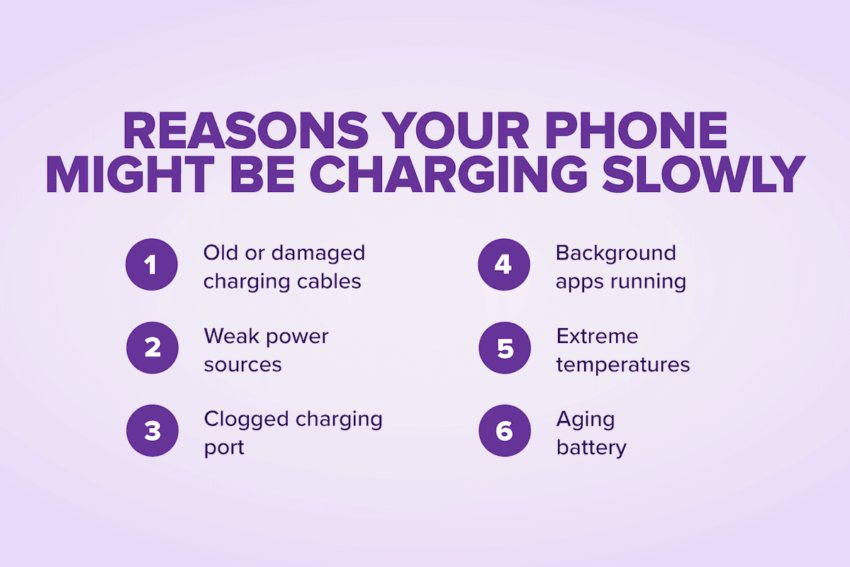
Reasons your phone might be charging slowly
If your battery always seems low on power or takes forever to reach a full charge, these might be the reasons why:
- Old or damaged charging cables: Take a look at your charging cable. If it’s frayed, bent, twisted or all-of-the-above, it’s time to cut ties with your old cable. Charging cables naturally wear out, especially if you take them on the go, which can impact your phone’s charging speed.
- Weak power sources: Where do you charge your phone? Not all outlets or ports deliver the same charging speeds. Plugging into a laptop or using an old wall charger won’t charge your phone as fast as a modern charging block can.
- Clogged charging port: Does your phone live inside your purse? Debris from a bag or pocket can get stuck inside your phone’s charging port, blocking the cable from delivering full power. Frequent cleaning prevents any serious buildup, keeping charging fast.
- Background apps running: Some apps run behind the scenes. Social media, GPS, or cloud backups may be draining the battery faster than your phone can charge. So before you plug in, close all apps to give your phone a chance to charge more efficiently.
- Extreme temperatures: Your phone doesn’t like extreme heat or the cold. High temperatures can trigger your device’s safety features, forcing it to charge more slowly to protect the battery. Charging in freezing conditions can be just as inefficient.
- Aging battery: No battery lasts forever. Over time, they can’t hold or accept a charge as quickly as they once did. If your phone is a few years old and always feels sluggish to charge, the battery itself may be nearing the end of its lifespan.
Tip #1: Use a fast charger (and what “fast charging” really means)
Fast charging delivers a higher wattage of power to your battery and recharges your phone faster than standard charging – perfect when you need a quick boost.
Recommended wattages for iPhone and Android
Higher wattages mean higher temperatures. To avoid barbequing your battery, make sure you know how much power your phone can handle. For iPhones 12 and later, a 20-watt adapter is recommended. For Android phones, the max wattage varies by make and model. The Samsung Galaxy series is compatible with 45-watts, while some OPPO, OnePlus, and Realme phones can support an ultra-impressive 240-watts!
USB-C vs. Lightning
USB-C and Lightning connectors for fast charging differ in power delivery, compatibility, and speed. USB-C can support USB Power Delivery, a charging protocol that can send 100 watts to your battery. This increase in power makes USB-C faster than Lightning. USB-C is also an industry standard and is used on more phones than Lightning. As a proprietary Apple design, Lightning is much more limited – constrained to iPhones and earlier generations of the AirPods.
Why official or certified chargers matter
Fast charging works when your phone and charger are using the same approved protocols – like USB-C chargers and USB Power Delivery. Certified chargers follow industry standards, that way your phone receives the exact wattage its designed for. Non-certified charges can under-deliver, resulting in slower charging times, or over-deliver and damage the battery.
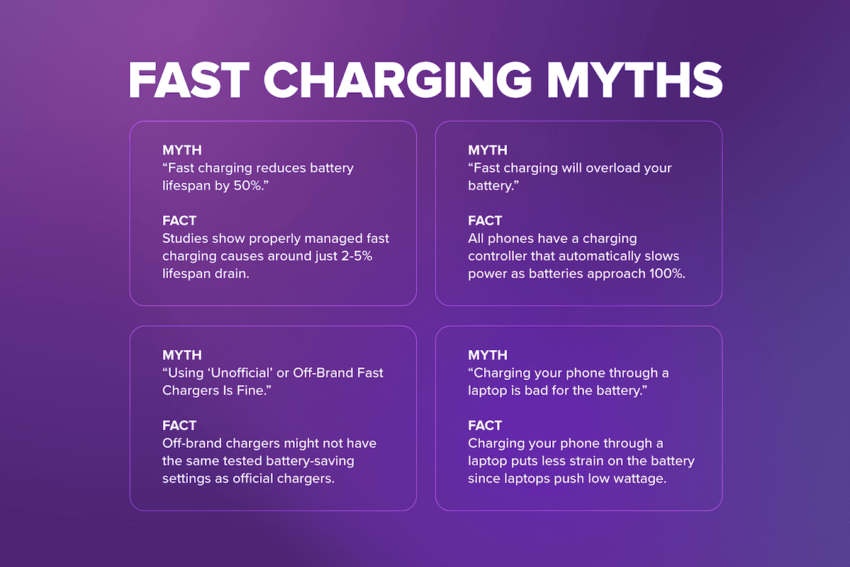
Fast charging myths
Myth: “Fast charging reduces battery lifespan by 50%.”
Fact: Not true. Studies show properly managed fast charging causes around just 2-5% lifespan drain.
Myth: “Fast charging will overload your battery.”
Fact: Ultra-wrong! All phones have a charging controller that automatically slows power delivery as the battery approaches 100%.
Myth: “Using ‘Unofficial’ or Off-Brand Fast Chargers Is Fine.”
Fact: Don’t risk it.Off-brand chargers might not have the same rigorously tested battery-saving settings as official chargers.
Myth: “Charging your phone through a laptop is bad for the battery.”
Fact: Nope! Charging your phone through a laptop actually puts less strain on the battery since laptops push low wattage.
Tip #2: Use a high-quality cable
Not all cables are created equal. Cheap cables are prone to wear and may not support fast charging. Here’s what to look for in a good charging cable:
MFi Certified Cables for iPhone & USB-IF Certified Cables for Android
MFi-certified means an accessory has been certified by Apple as “Made for iPhone.” This certification guarantees that your phone battery will get the power delivery it was designed for. Rather than being vendor-specific like MFi, USB-IF is a universal standard that works efficiently with all USB-C Android devices.
How to spot cable wear:
Frayed edges, bent connectors, exposed wires, loose tips and areas along the charger that feel soft or kinked are all red flags. This common wear-and-tear gets worse over time and can make your cable less efficient, slowing down your charging speed.
Tip #3: Plug into a wall outlet (not a USB port)
If you want your phone to charge quickly, where you plug it in matters just as much as the charger you use. This is what you need to consider the next time you charge your phone.
USB ports are slow
Many people plug their phones into their laptop USB port. Most USB ports only supply 2.5 – 5 watts. At that rate, your phone will charge one trickle at a time. This is fine for charging your phone overnight, but it’s ultra-slow for when you need a quick boost.
Wall adapters deliver fast charging
Modern wall chargers can deliver 20 watts or more, letting your phone charge much faster. Just 30 minutes can take you from running on fumes to 50%. For the best results, always use a certified wall adapter that matches your phone’s charging specifications.
Car chargers vary widely
Charging on the go is ultra-convenient. The problem is that car outputs vary by make and model — some are too weak to fast-charge effectively. To speed up your car charging, you can use a high-quality car charger that supports your phone’s fast-charging standard.
Tip #4: Turn on airplane mode while charging
It’s no myth. Turning on airplane mode can actually help your phone charge faster. We can explain:
Reduces network usage and background activity
Did you know your phone is using power even while plugged in? Your phone is constantly searching for Wi-Fi, cellular signals, or syncing data in the background. Turning on Airplane Mode temporarily disables these features, reducing battery drain.
Can shorten charging time
With fewer background processes consuming power, more of the electricity from your charger goes straight into your phone’s battery. This can noticeably shorten the time it takes to reach a full charge. This is especially helpful if you’re in a hurry!
Best for top-ups when connectivity isn’t needed
You should only save airplane mode charging for ultra-emergencies! That’s because you won’t be able to make or receive calls and texts, nor use the internet. Airplane mode can speed things along, but just make sure you aren’t expecting any important calls.
Tip #5: Close background apps & turn off battery drainers
Background apps and features drain power from your phone as its charging. Here’s how you can patch up these leaks and make every watt count!
Close apps that continuously refresh
Social media and messaging apps often refresh in the background, draining the battery. Closing these apps while charging ensures more of the incoming power goes straight into your battery.
Lower screen brightness
Even a dimly lit display consumes power. Turning off the screen entirely while charging, helps the battery fill up faster.
Turn off Bluetooth, Wi-Fi, and GPS if not needed
Connectivity features constantly search for signals. Disabling these features when you’re plugged in reduces this background activity and directs all power to the battery.
Turn off “Always-On Display” (if applicable)
Some phones keep parts of the screen lit to show the time, notifications or other info. Disabling Always-On Display while charging can slightly speed things up.
Tip #6: Keep your phone cool
Heat is your battery’s worst enemy. High temperatures can slow down charging speeds and, over time, cause the battery to wear out. Here’s how to keep your device cool:
Remove the case if your phone gets warm
Phone cases made from thick or insulated materials trap heat. Removing the case while charging allows for better airflow and keeps the device cooler, helping it charge faster.
Keep out of sunlight or hot cars
Direct sunlight or leaving your phone in a hot car can raise the battery temperature quickly. Always try to charge in a cool, shaded environment whenever possible.
Avoid charging while gaming or streaming
Gaming, video streaming, or running intensive apps generate extra heat. They trigger thermal protection and slow your fast charge. Give your phone a rest while it’s charging.
Tip #7: Clean your charging port
A dirty charging port can slow down your phone’s charge or even prevent it from charging at all. Keeping it clean is a simple way to maintain fast, reliable power-ups.
Dust and lint interfere with the connection
Debris like dust and pocket lint can accumulate inside your phone’s charging port. This reduces the connection between your cable and phone, slowing down charging.
Safely clean with a toothpick or SIM tool
The safest way to remove debris is with a toothpick or a dedicated SIM card removal tool. Gently scrape the charging port walls and clear any debris stuck inside. Don’t use liquids or metal tools
Avoid any liquid cleaners like water or alcohol. They can damage internal components. Similarly, metal objects like paperclips can scratch or short-circuit the contacts.
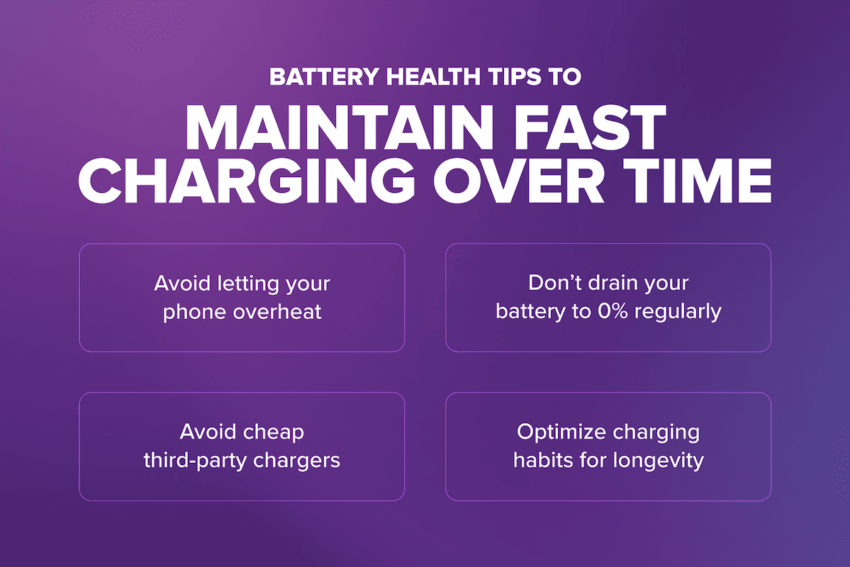
Battery health tips to maintain fast charging over time
Maintaining your battery’s health ensures your phone can keep charging quickly. Here are some tips to protect your battery and charging performance over time.
Avoid letting your phone overheat
Over time, high temperatures can reduce charging speed. Avoid charging your phone in
direct sunlight or while gaming, streaming and other activities that generate excess heat.
If you’re having difficulty with an overheating phone, check out our deep dive here.
Don’t drain your battery to 0% regularly
Letting your phone “die” can be what’s draining your phone battery. Instead, try to recharge when your battery drops to around 20–30% to maintain optimal battery health.
Avoid cheap third-party chargers
Non-certified or low-quality chargers may not deliver power properly. This can degrade your battery or even pose safety risks. Stick with certified chargers: USB-IF for Android, MFi for Apple.
Optimize charging habits for longevity
Small changes can make a big difference. Unplugging your phone once it’s fully charged, avoiding overnight charging when possible and using fast charging only when needed.
Pick the right Ultra Mobile plan to support everyday phone use
Now that you’re getting the most out of your battery, why not get the most out of your wireless plan too? Ultra Mobile plans include everything you need — from unlimited talk and text for staying connected to loved ones to free, reliable 5G on the T-Mobile 5G Network for fast app downloads and cloud backups. Whether you’re a light data user or a stream machine, there’s a plan that’s just right for you.