¿Cuánto espacio de almacenamiento necesito en mi teléfono?
Por el equipo Ultra
Updated abril 15, 2026
Your phone is so much more than just a phone. It’s a camera, radio, television, gaming console, and so much more – but there is a limit. Choosing the right amount of storage makes a world of difference: too little means poor performance and constant “storage full” alerts, too much and you’re overpaying for space you’ll never use.
Today we’ll show you common storage sizes and who they’re best suited for, so you can find the perfect match for your usage type.
What is phone storage?
Think of phone storage like a filing cabinet. Each drawer stores different files like videos, apps and games, and each file is measured in gigabytes. The filing cabinet can be small (64GB & 128GB) or large (256GB & 512+GB), and it’s up to you to decide how much drawer space you actually need.
It’s also important to know that some files can’t be tossed out. System software like your phone’s operating system and preinstalled apps already take up some space. That’s why your true available storage is always a bit less than the advertised amount.
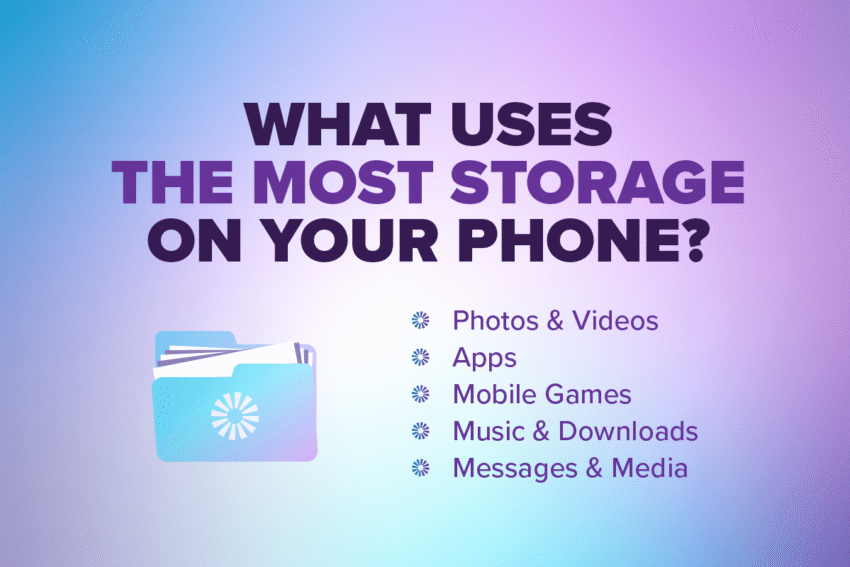
What uses the most storage on your phone?
Now that we’ve covered the basics, let’s break down which activities take up more space than others. As we go, try to think about how often you do these things with your phone. That way, you can make an Ultra-accurate decision when it’s time to pick a storage size.
Photos & Videos
Did you know that a single photo can take up as much as 2–5 megabytes of storage? That might not sound like much, but consider that the average person has up to 3,000 photos stored on their smartphone – that’s nearly 15GB! And that’s not even counting videos, which can take hundreds of MB to several GB of storage each.
Aplicaciones
How many apps are on your phone right now? And how many of them do you actually use? Even when you’re not using them, apps are constantly running in the background. They may start small, but most apps will take up more storage with new updates and cached data.
Mobile Games
Mobile games are great for passing the time… but also for taking up large amounts of storage. Some mobile games even exceed 5–10GB. So if you’re a gamer, it might be time to level up your phone’s storage capacity.
Music & Downloads
Listen to your storage alerts because your downloaded songs, podcasts and audio books may be putting you over the limit. That goes for your video entertainment too. Downloaded movies and shows can take up several GB, so make sure to watch your available storage.
Messages & Media
Your favorite messaging apps store more than just texts and emojis. Messaging apps store all of the photos, videos and voice notes you send and receive, which can really add up over time.
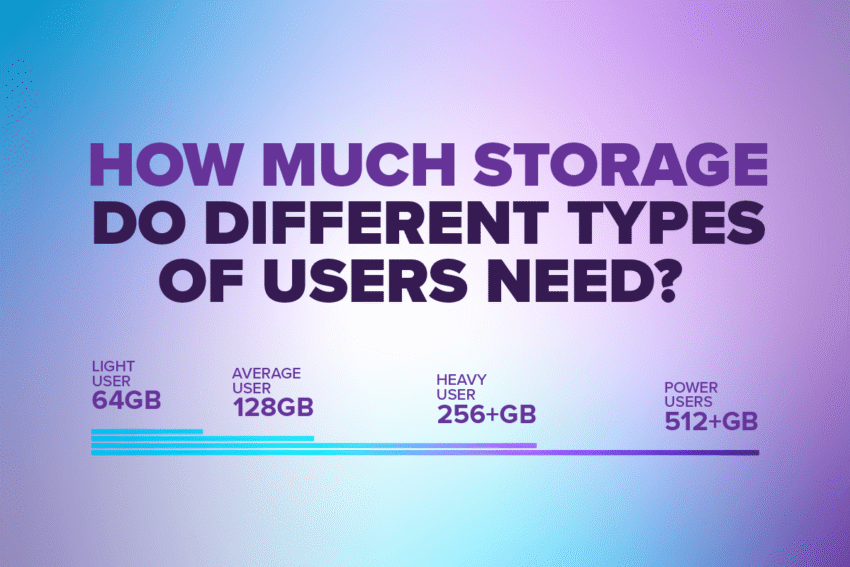
How much storage do different types of users need?
For the Light Users: 64GB
If you mostly use your phone for:
- Vocación
- Texting
And you occasionally:
- Take photos and record videos
- Post on social media
64GB is a sufficient amount of storage, especially if you mostly use cloud storage and sparingly take photos and record videos.
For the Average User: 128GB
If you mostly use your phone for:
- Staying connected over several messaging apps
- Streaming music and video
And you regularly:
- Take photos and record videos
- Post on social media
128GB is the best fit, so you can always share the moment with all of your friends and family.
For the Heavy Users: 256+GB
If you mostly use your phone for:
- Content creation
- Recording videos
And you frequently:
- Download media
- Play mobile games
256+GB is the best fit for you, if you use your phone for entertainment and expressing your creativity.
For the Power Users: 512+GB
If you mostly use your phone for:
- 4K video recording
And you have:
- Extensive offline content
- Large video libraries
512+GB will support your Ultra-high quality projects without sacrificing your phone’s daily performance.
Signs you need more phone storage
As your storage gets closer to being full, your phone’s performance will start to decline. Keep an eye out for these red flags:
- You receive frequent “storage full” alerts
- Your apps crash unexpectedly or run slower than normal
- Your camera is disabled and won’t let you take photos or record videos
- You’re constantly deleting files to free up space
- You have limited room for app updates
Signs you need more phone storage
As your storage gets closer to being full, your phone’s performance will start to decline. Keep an eye out for these red flags:
- You receive frequent “storage full” alerts
- Your apps crash unexpectedly or run slower than normal
- Your camera is disabled and won’t let you take photos or record videos
- You’re constantly deleting files to free up space
- You have limited room for app updates
Once you free up your remaining storage or purchase more, your phone will be up and running in no time!
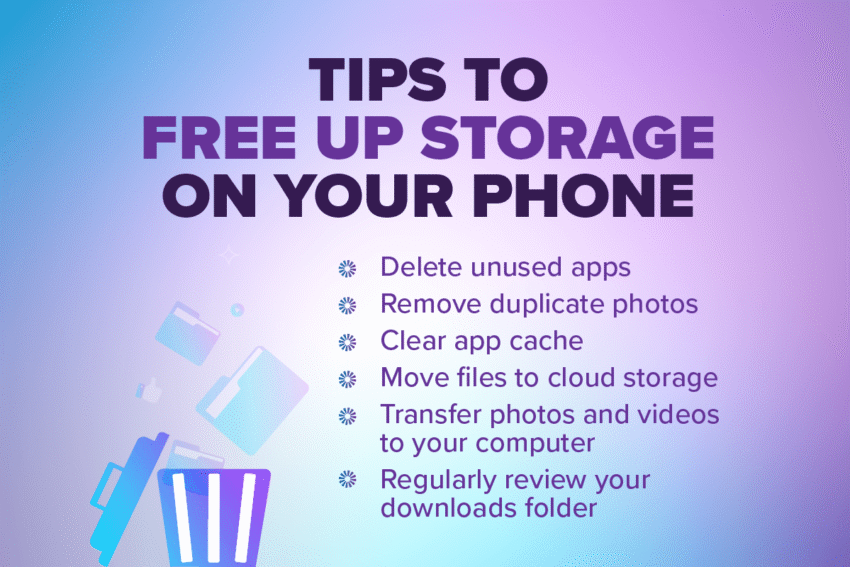
Tips to free up storage on your phone
Getting more storage doesn’t always mean spending more. Try these free, quick fixes to maximize your available storage capacity:
- Eliminar aplicaciones no utilizadas
- Remove duplicate photos
- Clear app cache
- Move files to cloud storage
- Transfer photos and videos to your computer
- Regularly review your downloads folder
For a full tutorial on each of these tips, check out our Ultra-deep dive on freeing up space on your phone.
Phone Storage Recap
We covered a lot today, so don’t worry if your mental storage is almost at capacity! Here are the five Ultra-takeaways to remember about phone storage:
- The “best fit” always depends on how you use your phone
- Light users may only need 64GB, but heavier users may need 256+GB
- Photos, videos and apps typically take up the most storage
- Cloud storage can extend the life of your phone’s available storage
- Choosing the right storage size now avoids poor performance later
And with the right device and phone plan from Ultra Mobile, you can always stay connected without worrying about running out of storage.