Cómo sacar el agua de tu teléfono
Por el equipo Ultra
Published mayo 19, 2026
It happens every day: someone, some where drops their phone in water. And while today’s smartphones are far more water-resistant than they were years ago, they’re still not fully waterproof. Knowing what steps to take immediately after your phone goes for a swim can help prevent long-term damage. And we do mean immediately, because acting quickly can be the difference between saving your phone or having to replace it entirely. So first, we’ll cover what to do if you drop your phone in water, and how to get that water out of your phone. Then we’ll discuss what steps to take going forward.
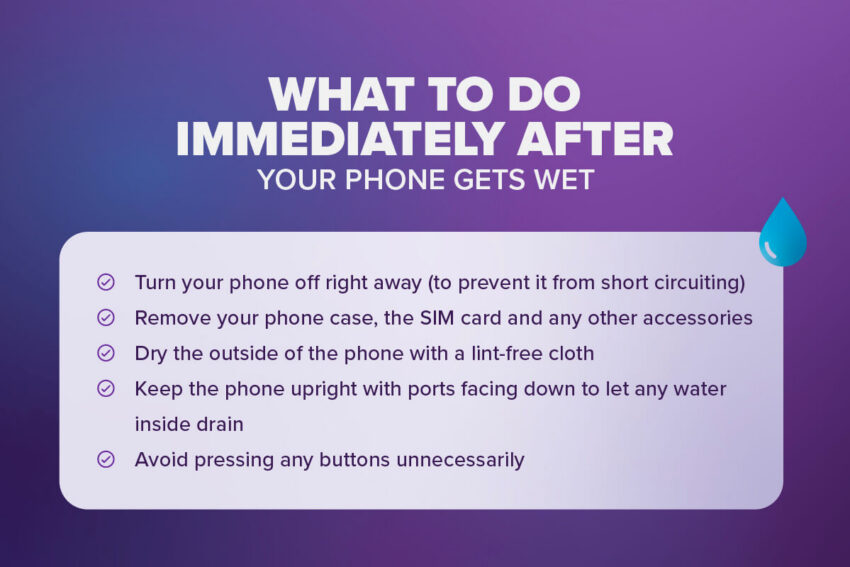
What to do immediately after your phone gets wet
The first few minutes after you’ve retrieved a dropped phone in water are crucial, so don’t wait to get started on these steps:
- Turn your phone off right away (to prevent it from short circuiting)
- Remove your phone case, the SIM card and any other accessories
- Dry the outside of the phone with a lint-free cloth
- Keep the phone upright with ports facing down to let any water inside drain
- Avoid pressing any buttons unnecessarily

"CONSEJO"
This may seem counterproductive, but if (and ONLY if) your phone fell in the ocean, a chlorinated pool, or a liquid other than just water, you should give it a quick rinse to avoid corrosion. Only do this AFTER you’ve turned the phone off.
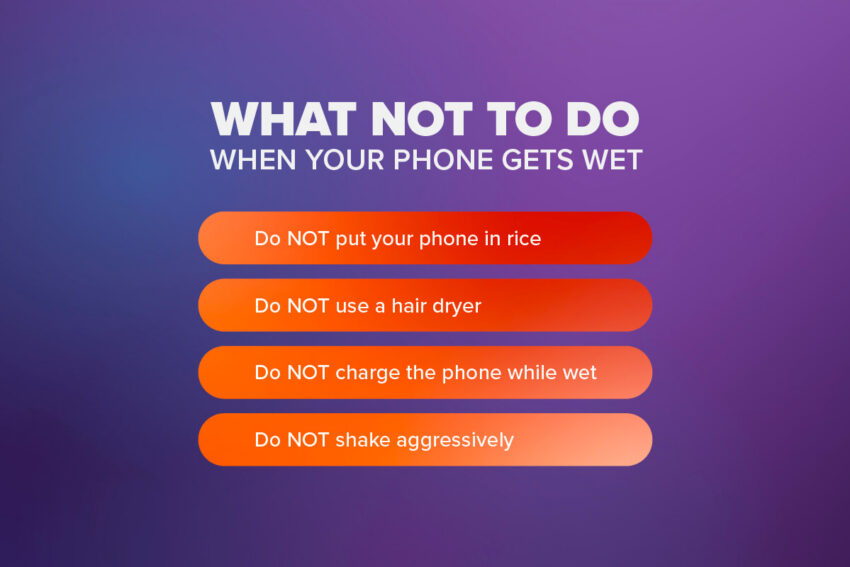
There are a few things you may have read online or tricks you might think to try, but please be aware that these are not clever hacks and could actually damage your phone further.
- Do NOT put your phone in rice
- We know a lot of people swear by this trick, but rice is not only ineffective at removing deep moisture, but it can cause further damage by getting lodged in ports or contaminating the inner workings of your phone.
- Do NOT use a hair dryer
- Heat can severely damage internal components and the seals meant to protect your phone.
- Do NOT charge the phone while wet
- Most phone components can stand to get wet, it’s when you add electricity that the worst damage can occur (and it’s also extremely dangerous).
- Do NOT shake aggressively
- This will cause the water to spread throughout the inside of the phone. Best to just let gravity do its thing.
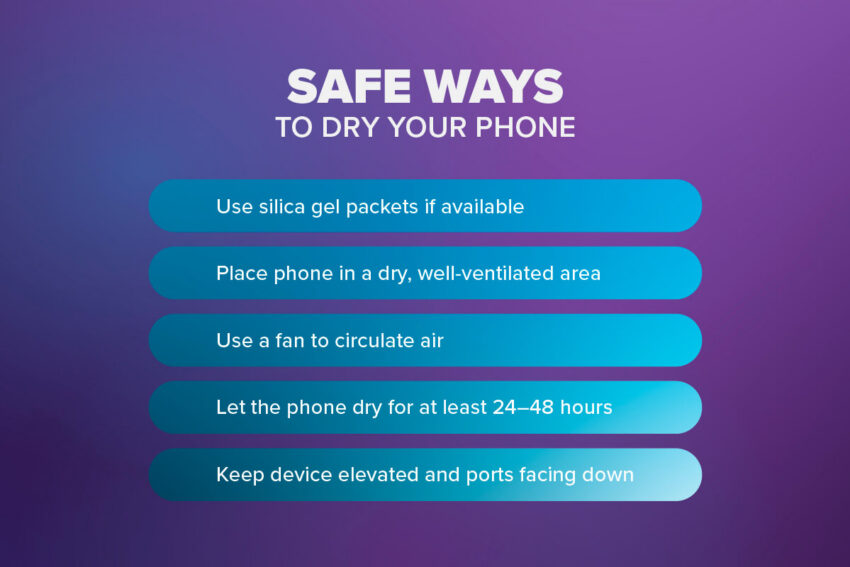
Fortunately, there are a few tricks you can try to pull the water out of your phone as quickly as possible.
- Use silica gel packets if available (most effective DIYoption)
- Silica gel is a desiccant, which means its sole purpose is to dry stuff out. Using silica gel packets for drying a phone (or any other electronics that may get wet) is the most effective at-home method for drawing out moisture. If you happen to have any of these packets on hand, place them, along with your phone, in a clean, dry container.
- Place phone in a dry, well-ventilated area
- The drier and more air circulation, the better.
- Use a fan to circulate air
- In this case, you can also use a hair dryer, but only if it has a room temperature setting. Do not apply heat to a wet phone.
- Let the phone dry for at least 24–48 hours
- We know you’ll want to check on it sooner and it’s hard to be without your phone, but it’s crucial that you give it as much time as possible to fully dry out.
- Keep device elevated and ports facing down
- If the phone is lying on its back, any water still inside will just pool on the components.
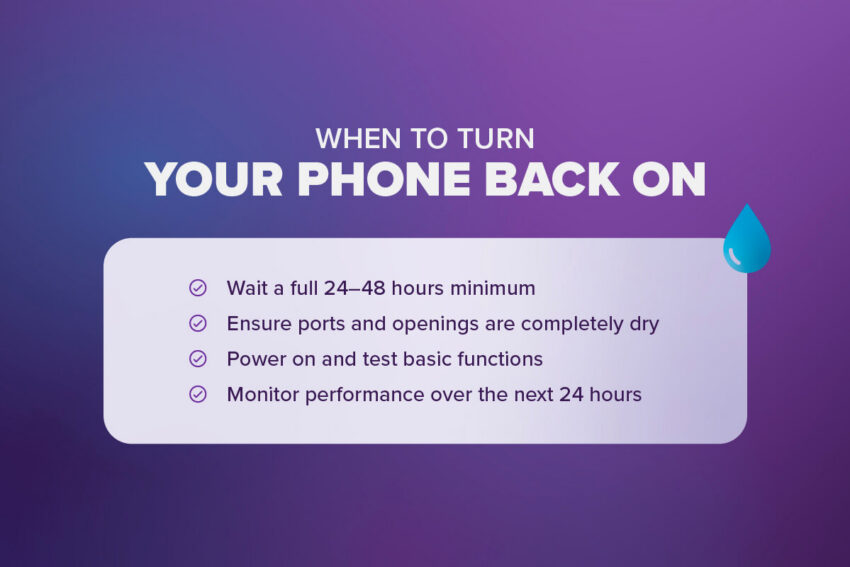
When to turn your phone back on
We know it’s hard to go without a phone for too long, but it’s very important you don’t turn your phone back on too soon.
- Wait a full 24–48 hours minimum
- The longer the better, to make sure it’s as dry as possible.
- Ensure ports and openings are completely dry
- If you see any droplets or signs of condensation, it’s too soon to power it back on.
- Power on and test basic functions
- After you’ve turned it back on, do a few quick tests like making a phone call, sending a text message, or opening a few of your most-used apps.
- Monitor performance over the next 24 hours
- Your phone may not show signs of damage immediately, so be sure to keep an eye on it for the next day or so to see if any strange issues occur.
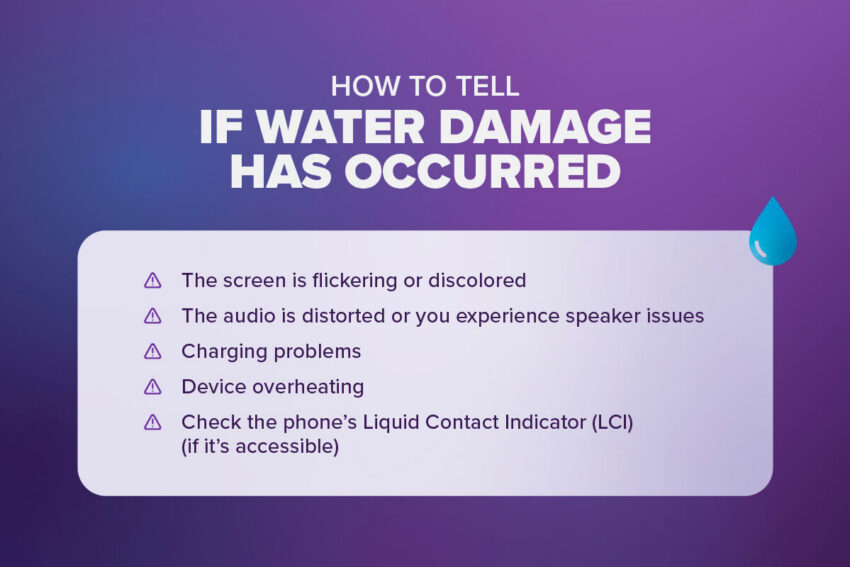
How to tell if water damage has occurred
Once you’ve given your phone ample time to dry out, it’s time to give it a onceover and see if the water caused any damage. Here’s what to look for:
- The screen is flickering or discolored
- This will likely be the first thing you notice after powering the phone back on.
- The audio is distorted or you experience speaker issues
- Make a phone call and test the speakerphone too, to see if your mic still works.
- Charging problems
- If it’s charging very slowly or not at all, the battery components may be compromised.
- Device overheating
- You should sense this pretty quickly, or your phone may even give you a warning message.
- Check the phone’s Liquid Contact Indicator (LCI) if it’s accessible
- Some phones have a white decal inside, usually near the battery or on the SIM tray, that will turn pink if it’s been exposed to liquid.
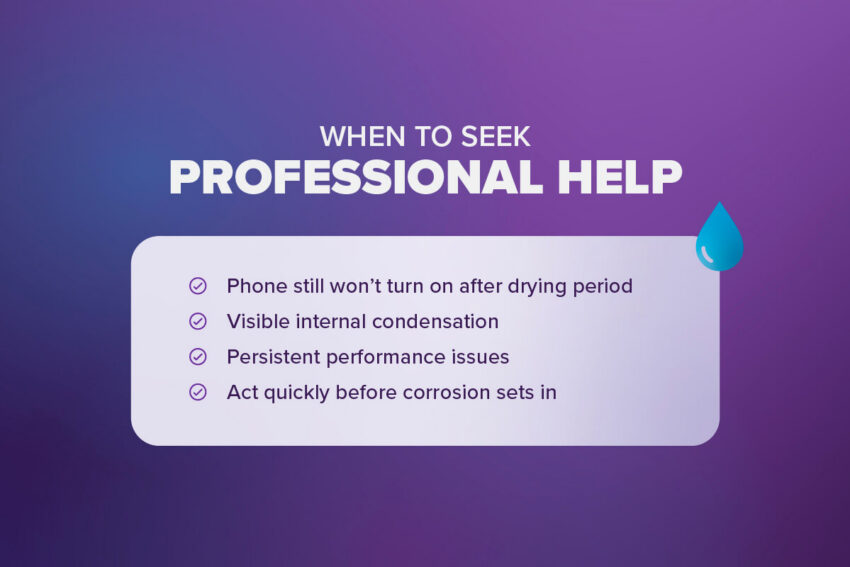
Even after following all these steps to dry out your phone at home, you may still need a technician to work on it.
- Phone still won’t turn on after drying period
- If after 48 hours your phone still shows no signs of powering on, the battery system may be damaged and someone will need to open it up to take a look.
- Visible internal condensation
- If your phone still has moisture under the screen even after a few days buried in silica gel packets, you’ll need a professional to get that water out of there.
- Persistent performance issues
- If the screen doesn’t look right, the audio doesn’t sound right, or the phone just isn’t acting right, more work might be needed.
- Act quickly before corrosion sets in
- If you’ve determined that professional help is needed to repair the phone, it’s crucial that you get started as soon as possible. The longer you let any residual moisture hang out inside the phone, the more likely the damage will be permanent.
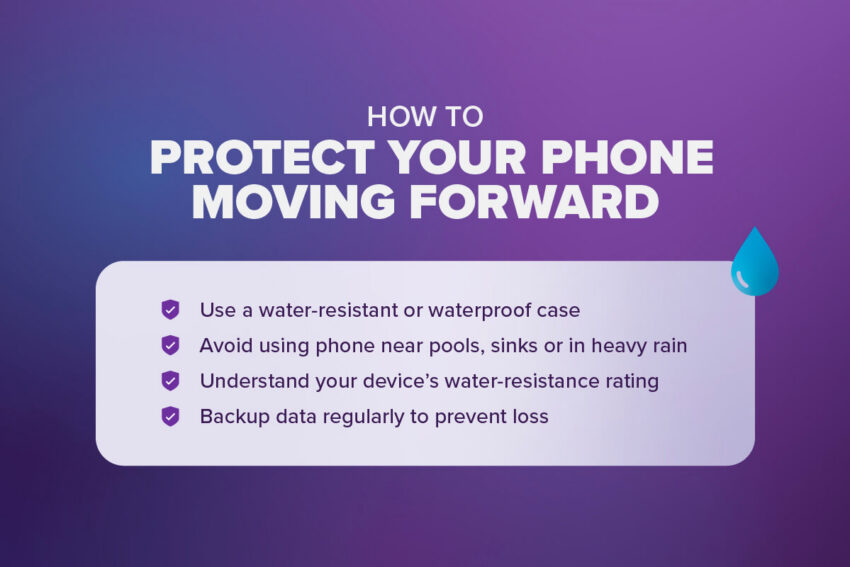
How to protect your phone moving forward
Whether you were able to save your current phone from water damage or just had to replace it and want to keep it from happening again, here are a few tips to keep in mind going forward:
- Use a water-resistant or waterproof case
- Most smartphones are water-resistant to a degree, but adding an extra layer of protection is always a good idea.
- Avoid using phone near pools, sinks or in heavy rain
- This one may seem obvious, but no matter how careful you think you’re being, there’s always a chance your phone could take a dip again.
- Understand your device’s water-resistance rating (AKA its IP rating)
- Knowing just how water-resistant your phone is will help you understand what types of water exposure it can handle.
- Backup data regularly to prevent loss
- Worst case scenario, the phone is a total loss and needs to be replaced. Keeping your important data, photos, contacts and more backed up to the cloud can make transitioning to a new phone a lot easier.
Keep yourself hydrated, but not your phone
Water damage happens, but it doesn’t always ruin your phone. Acting quickly is crucial, and taking the necessary steps can be the difference between a clean, still-operational phone and a shiny new paperweight. Remember to avoid trying common myths that can further damage your phone, and most importantly, be patient. Turning your phone on or charging it before it’s fully dry can cause more damage than dropping it in water to begin with. When in doubt, remember that getting a professional to handle repairs is always your best option. And know that just because your phone needs to stay dry, doesn’t mean your bank account does too. Bring that phone to Ultra Mobile and enjoy everything you want in wireless for less, on America’s largest 5G network.