Cómo tu teléfono elige entre LTE, 5G y Wi-Fi
Por el equipo Ultra
Published abril 6, 2026
Smartphones are constantly making decisions behind the scenes to keep you connected. Whether you’re scrolling social media, streaming a video or sending an email, your phone is choosing the best way to access the internet at any given moment. This means you may notice your phone switching between LTE, 5G and Wi-Fi on its own. This isn’t random though; it’s your phone determining which connection is the strongest and most reliable. Understanding how these networks work together can help you optimize your phone’s performance and avoid common connection issues.
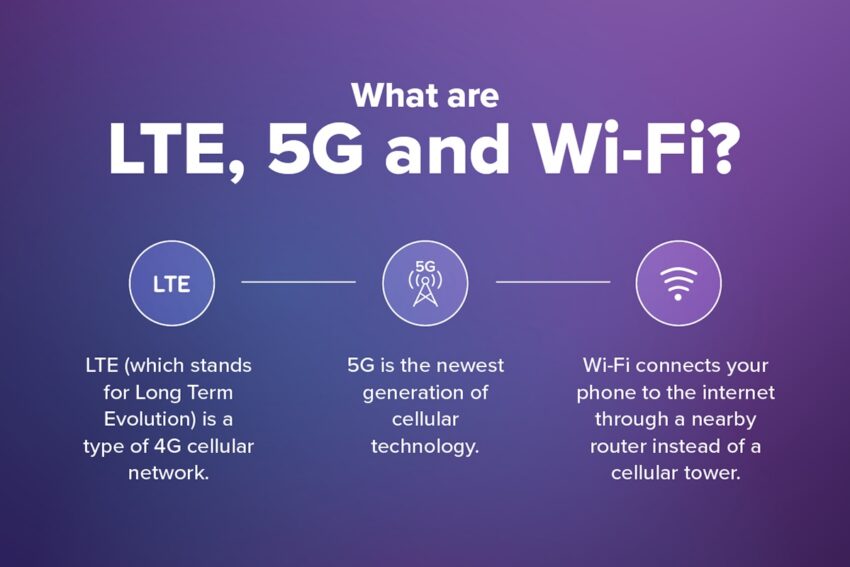
What are LTE, 5G and Wi-Fi?
Before diving into how your phone decides which network to use, let’s go over the basics of each type of connection.
LTE
LTE (which stands for Long Term Evolution) is a type of 4G cellular network. It provides reliable coverage almost everywhere nowadays and is what your phone uses for mobile data when Wi-Fi isn’t available.
5G
5G is the newest generation of cellular technology. It offers faster speeds and lower latency (AKA delay), making it ideal for streaming, gaming and other data-heavy activities. While 5G is expanding quickly, it’s still not available everywhere.
Wifi
Wi-Fi connects your phone to the internet through a nearby router instead of a cellular tower. It’s commonly used at home, work or public places like coffee shops and airports. Wi-Fi is often provided by a different carrier than your cellular data, so it doesn’t count against your phone’s data plan.
How your phone decides which network to use
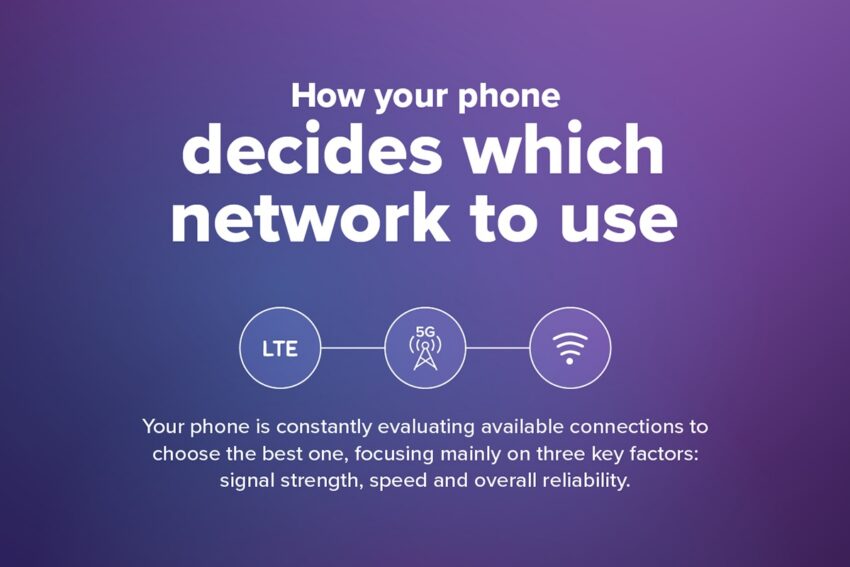
Your phone is constantly evaluating available connections to choose the best one, focusing mainly on three key factors: signal strength, speed and overall reliability. In most cases, when a strong and stable Wi-Fi network is available, your phone will prioritize Wi-Fi. This helps save mobile data and often provides faster speeds. However, if the Wi-Fi signal becomes weak or unstable (like when you go outside and move away from your home router) your phone will automatically switch to cellular data to keep your connection smooth. Your device is always scanning nearby networks and adjusting as needed, so if you’re streaming music or watching a video, this switch should happen without any interruption.
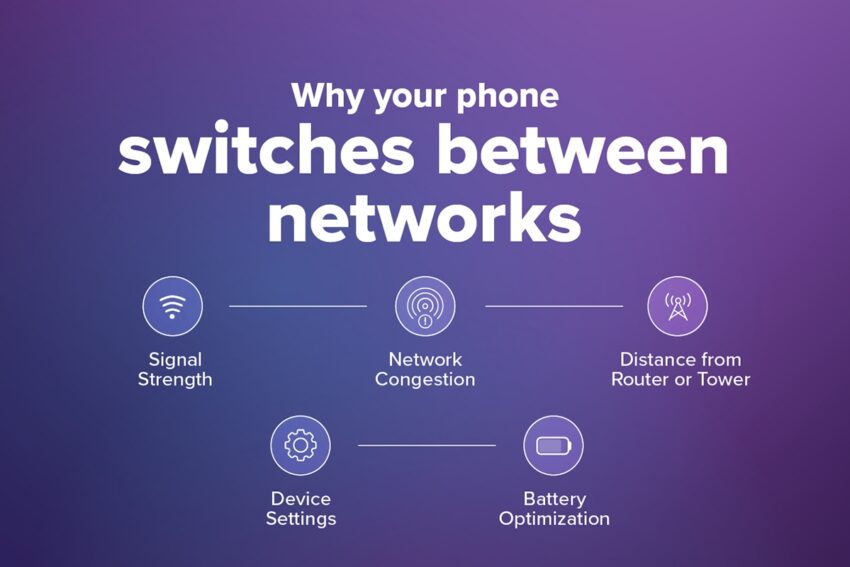
Why your phone switches between networks
There are several reasons your phone might jump between LTE, 5G and Wi-Fi throughout the day.
Signal Strength
As you move around, signal strength changes. For example, entering an office building can weaken your cellular connection, prompting your phone to search for other available networks.
Congestión de la red
If a network is busy (like the public Wi-Fi at a crowded restaurant) you may start to experience slower speeds, prompting your phone to switch to cellular data if it’s a faster option.
Distance from Router or Tower
The farther away you are from a Wi-Fi router or cell tower, the weaker your signal becomes. Your phone will adjust accordingly to maintain a stable connection.
Device Settings
You can choose to have your phone prioritize Wi-Fi in the device settings or allow it to switch to cellular data when Wi-Fi is weak.
Battery Optimization
Depending on your settings, your phone may choose a connection that uses less power when your battery is low.
How to check which network your phone is using
If you’re ever unsure which network you’re connected to, there are a few easy ways to check. Your phone’s status bar shows icons for LTE, 5G and Wi-Fi at the top of the screen. This is the quickest way to see your current connection. You can also open your phone’s settings menu for more detailed information about your network, including signal strength and connection type. Signal bars provide a general idea of how strong your connection is and there are even some apps that can provide deeper network diagnostics.
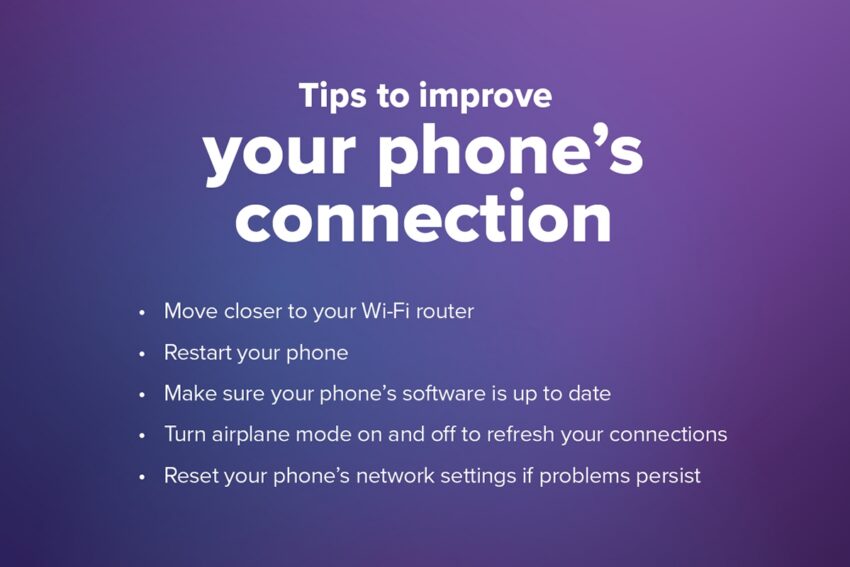
Tips to improve your phone’s connection
If you’re experiencing slow speeds or frequent switching, there are a few things you can try to improve your connection:
- Move closer to your Wi-Fi router
- Reinicia tu teléfono
- Make sure your phone’s software is up to date
- Turn airplane mode on and off to refresh your connections
- Reset your phone’s network settings if problems persist
Knowing how your phone works is key to staying connected
Your smartphone is constantly working to keep you connected by evaluating the networks around you. LTE, 5G and Wi-Fi each do their part to keep you connected depending on your location and signal strength. Automatic switching helps ensure you get the best balance of speed and reliability without having to manage it yourself. By understanding how your phone chooses between networks, you can better troubleshoot issues and make the most of your connection.
And by bringing that phone to Ultra Mobile, you can enjoy a reliable connection on America’s largest 5G network. Click below to learn more about why Ultra Mobile is your best choice when it comes to wireless.